


Printing Remittances
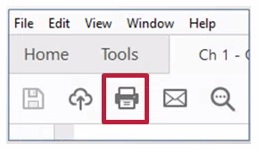
Once your remittance is displayed, you can print a copy by clicking on the "Print" icon located on the menu bar of the program used to view PDFs (e.g., Acrobat Reader, Microsoft Edge, etc.)
NOTE: If you do not have Acrobat Reader software, you can download it at no cost. You also may be able to view PDFs in your Internet browser.
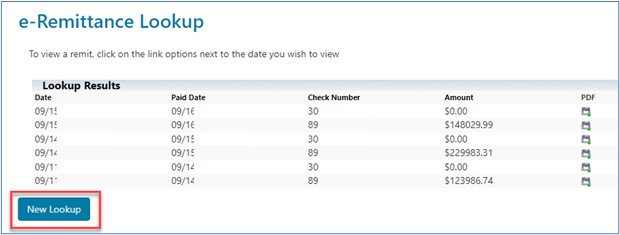
To enter new search criteria, click the "New Lookup" button.

 Join Electronic Mailing List
 Print
Print Bookmark
 Email
Email Facebook
 YouTube
 LinkedIn